
Laptop Battery B31N1535 for ASUS ZenBook UX310UA
January 16, 2025
Lithium Laptop Battery C31N1824 for ASUS Chromebook Flip C434
January 16, 2025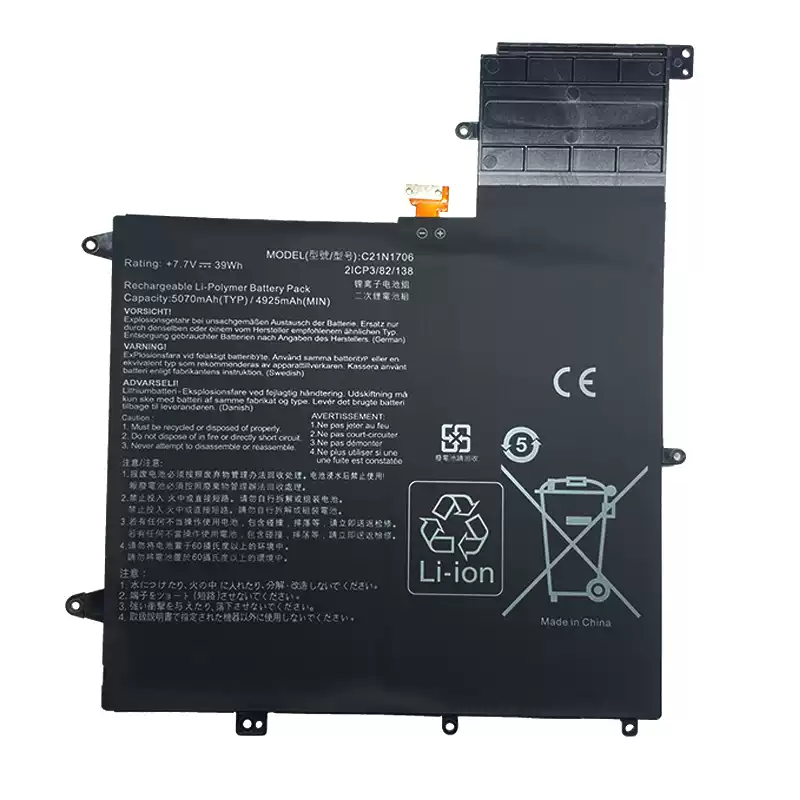
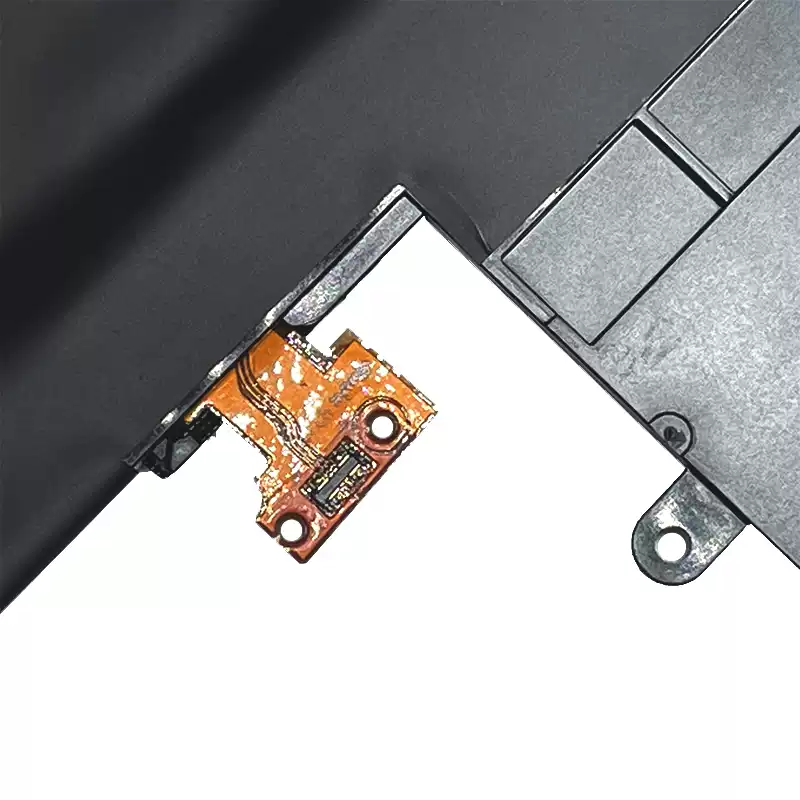
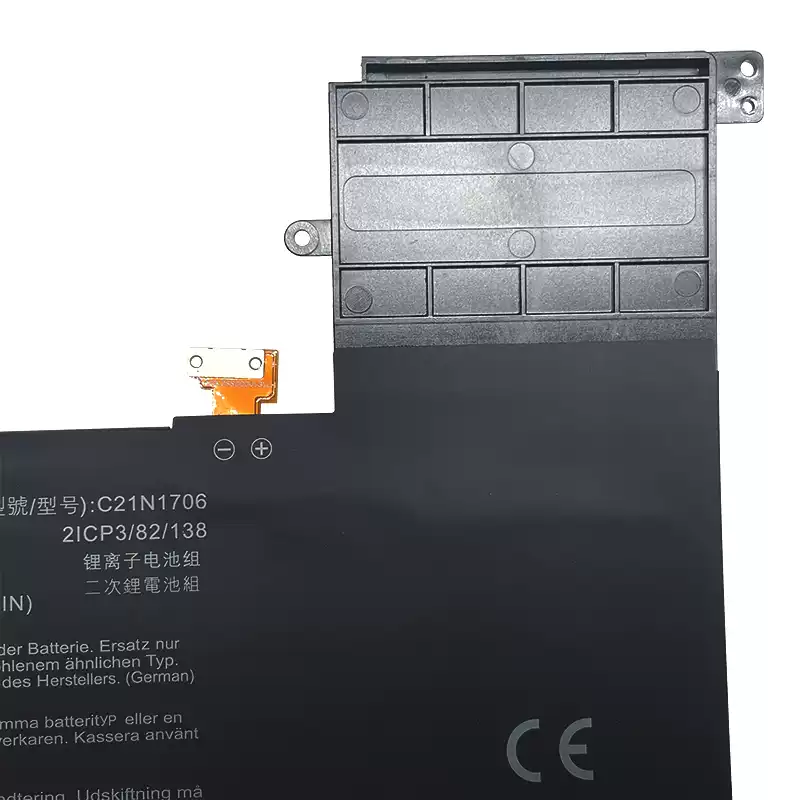
Laptop Battery C21N1706 for ASUS Zenbook Flip S UX370
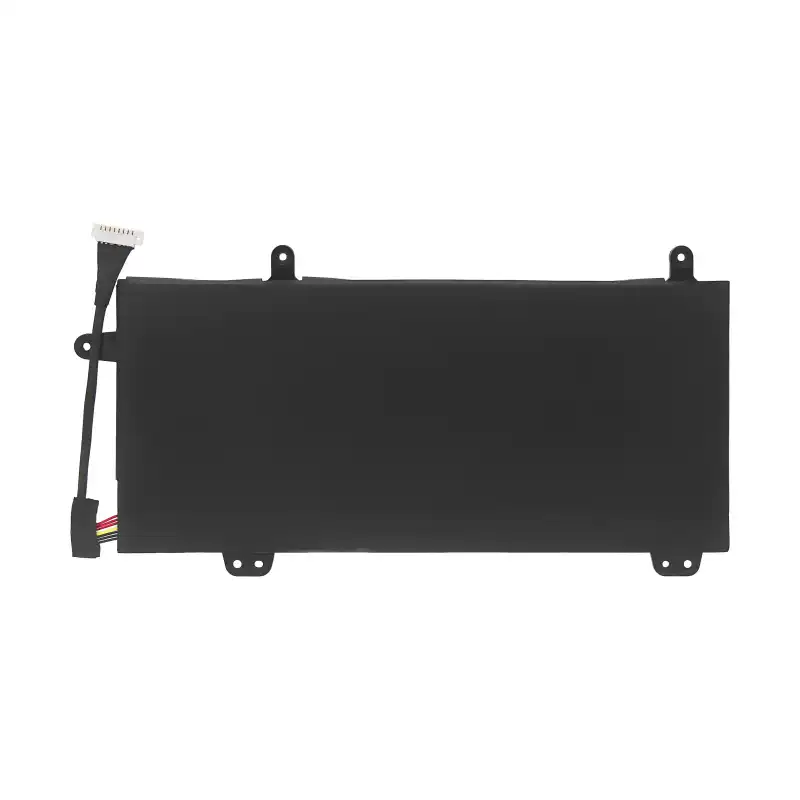
Laptop Battery Replacement Part Number
C21N1706 0B200-02420200
compatible-model-iconCompatible Laptop Models
For Asus Zenbook Flip S UX370 Series
For ASUS
UX370F, UX370UA, UX370UA LASER LABE, UX370UA-0061A7500U, UX370UA-1A, UX370UA-1B,
UX370UA-C4058T, UX370UA-C4059T, UX370UA-C4060T, UX370UA-C4118T, UX370UA-C4124T,
UX370UA-C4125T, UX370UA-C4131T, UX370UA-C4136T, UX370UA-C4160T, UX370UA-C4170T,
UX370UA-C4178T, UX370UA-C4181T, UX370UA-C4184T, UX370UA-C4185T, UX370UA-C4195T,
UX370UA-C4196T, UX370UA-C4197T, UX370UA-C4210T, UX370UA-C4217T, UX370UA-C4241T,
UX370UA-C4256T, UX370UA-C4290T, UX370UA-C4305T, UX370UA-C4308T, UX370UA-C4331T,
UX370UA-C4341T, UX370UA-C4347T, UX370UA-C4364T, UX370UA-C4367T, UX370UA-EA294R,
UX370UA-EA315R, UX370UA-EA328T, UX370UA-EA346R, UX370UA-EA349T, UX370UA-EA371T,
UX370UA-EA373T, UX370UA-EA376R, UX370UAF, UX370UAR, UX370UAR-1B, ZenBook Flip S UX370U,
ZenBook Flip S UX370UA, ZenBook Flip S UX370UA-C4016T, ZenBook Flip S UX370UA-C4060R,
ZenBook Flip S UX370UA-C4061T, ZenBook Flip S UX370UA-C4072T, ZenBook Flip S UX370UA-C4074T,
ZenBook Flip S UX370UA-C4093T, ZenBook Flip S UX370UA-C4104T, ZenBook Flip S UX370UA-C4129T,
ZenBook Flip S UX370UA-C4137T, ZenBook Flip S UX370UA-C4143R, ZenBook Flip S UX370UA-C4147T,
ZenBook Flip S UX370UA-C4196R, ZenBook Flip S UX370UA-C4198R, ZenBook Flip S UX370UA-C4198T,
ZenBook Flip S UX370UA-C4201T, ZenBook Flip S UX370UA-C4202T, ZenBook Flip S UX370UA-C4207T,
ZenBook Flip S UX370UA-C4219T, ZenBook Flip S UX370UA-C4220T, ZenBook Flip S UX370UA-C4221T,
ZenBook Flip S UX370UA-C4222T, ZenBook Flip S UX370UA-C4227T, ZenBook Flip S UX370UA-C4237R,
ZenBook Flip S UX370UA-C4238T, ZenBook Flip S UX370UA-C4372T, ZenBook Flip S UX370UA-C4392T,
ZenBook Flip S UX370UA-XB74T-BL, ZenBook Flip S UX370UA-XH74T-BL, Zenbook UX370UA
Installation and usage instructions:
1. Before replacing the battery, be sure to turn off the power first and then remove the charger plug. Replacing the battery during the startup process may pose a safety hazard.
2.After removing the original battery, press the power button continuously for 10 seconds without releasing it. Release the remaining power and static electricity on the motherboard before replacing the new battery.
3. Before installing a new batter
y, confirm the positive and negative poles of the battery, especially the built-in battery, and be careful not to plug it in incorrectly.
Regarding Capacity:
Lithium batteries are consumables, and it is normal for their capacity to fluctuate by around+5% due to factors such as inventory time and usage environment.
| Battery Model | C21N1706 |
|---|---|
| Voltage | 7.7 V |
| Capacity | 39WH/5070mAh |
| Battery Type | Li-ion battery pack |
| Cell | Made in China, High quality battery cells |
| Color | Black |
| Condition | OEM Battery (100% New,1 years warranty!) |
Related products
-
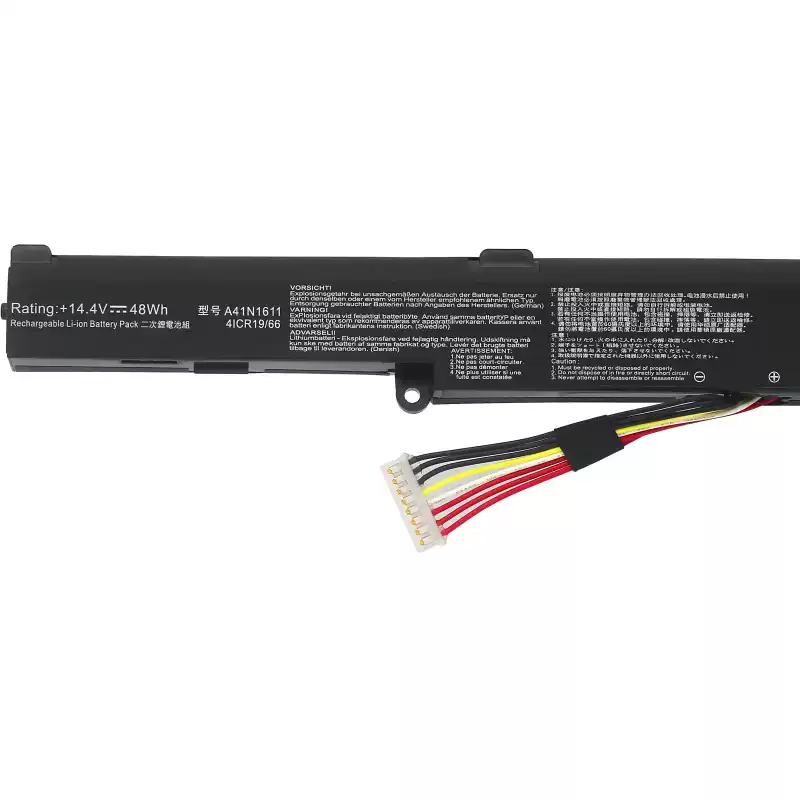
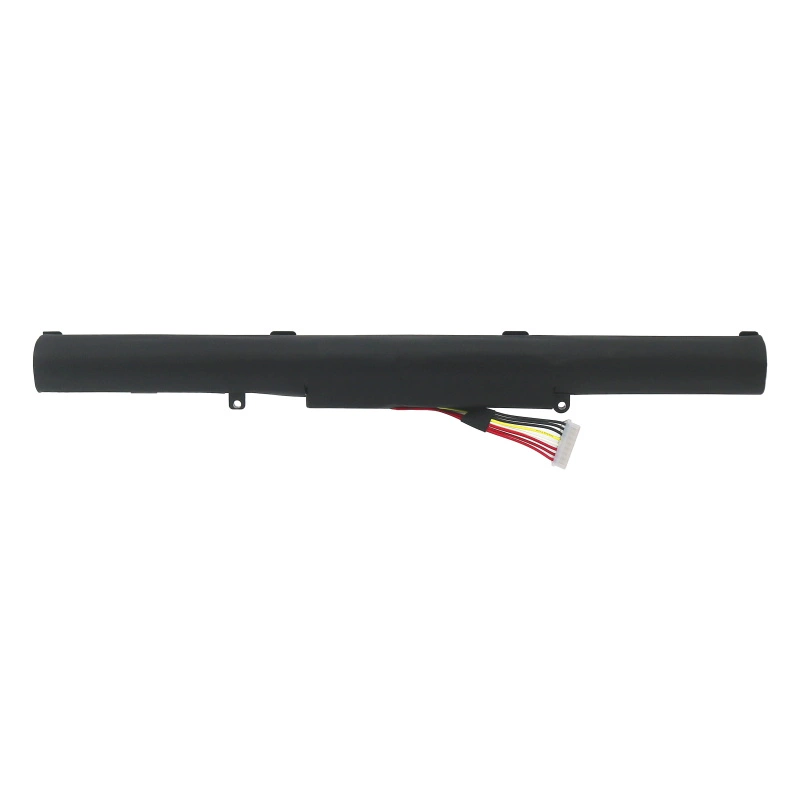
Laptop Lithium Battery A41N1611 for ASUS ROG GL553 GL553VD
Laptop Battery Replacement Part Number: A41N1611 OB110-00470000 A41LK5H A41LP4Q Compatible Laptop Models: For ASUS ROG GL553 GL553VD GL553VE GL553VW Series Installation and usage instructions: 1. Before […]
-
Laptop Lithium Battery C41N1619 for ASUS Pro B9440UA
Laptop Battery Replacement Part Number: C41N1619? ? ? ?0B200-02350100 Compatible Laptop Models:?? ASUS? Pro B9440UA? ?B9440UA-GV0094R? ?B9440UA-GV0100T? ? B9440UA-GV0056R B9440UA7200? ? ? ? ? ? B9440UA7500? […]
-
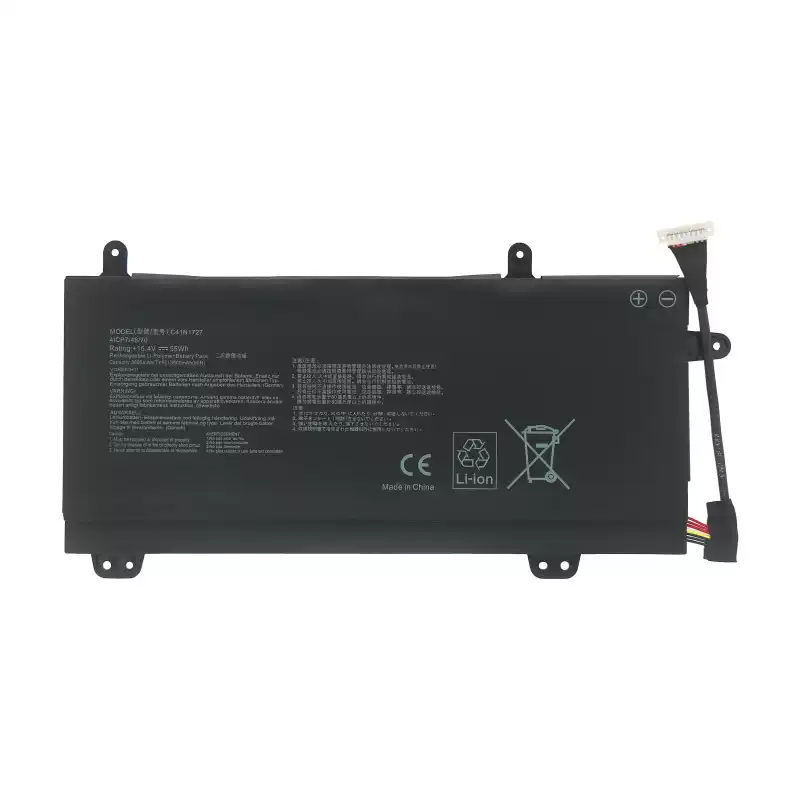
Laptop Lithium Battery C41N1727 for ASUS Zephyrus M GM501
Replace Part Number: C41N1727 0B200-02900000 4ICP7/48/70 Compatible Laptop Model: For Asus ROG Zephyrus M GM501 Series For Asus ROG Zephyrus M GM501G Series For Asus ROG […]


Reviews
There are no reviews yet.