
Laptop Lithium Battery C21N1347 for ASUS
January 16, 2025
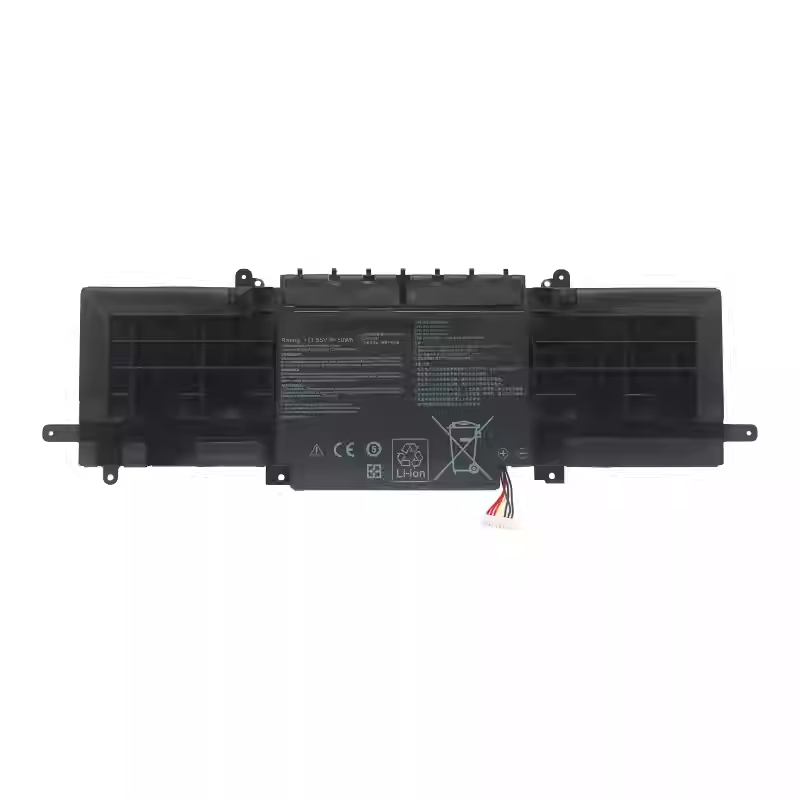
Bulk Discount Laptop Lithium Battery C31N1330 for ASUS ZENBOOK UX32LA Series
January 16, 2025
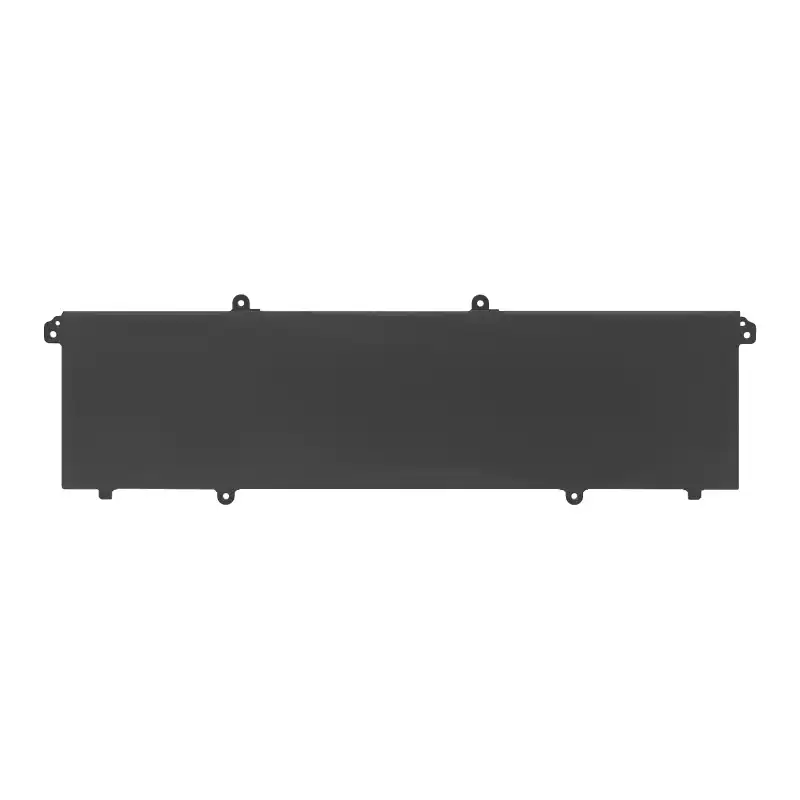
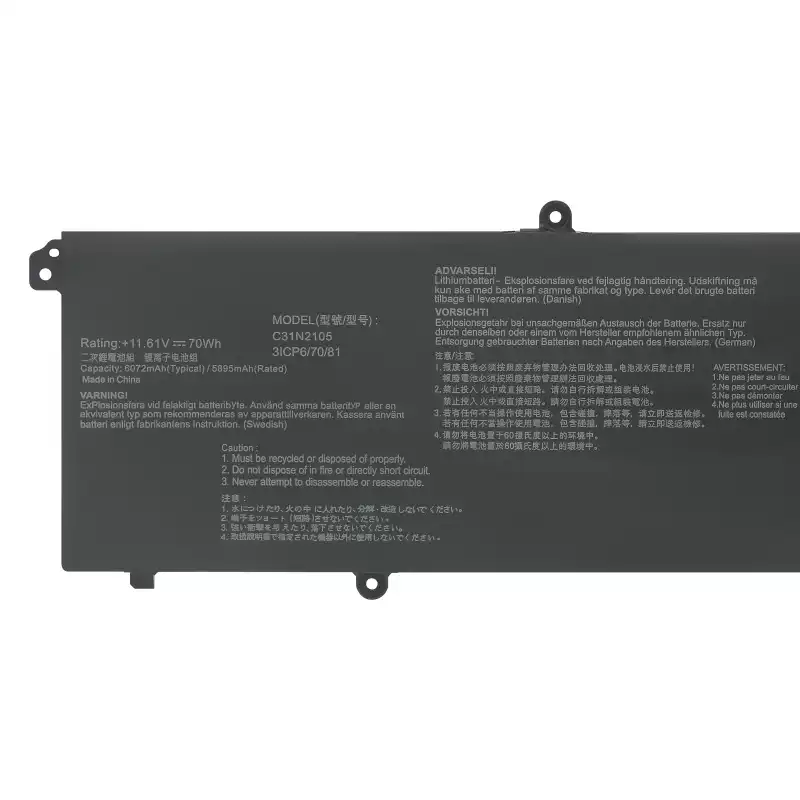
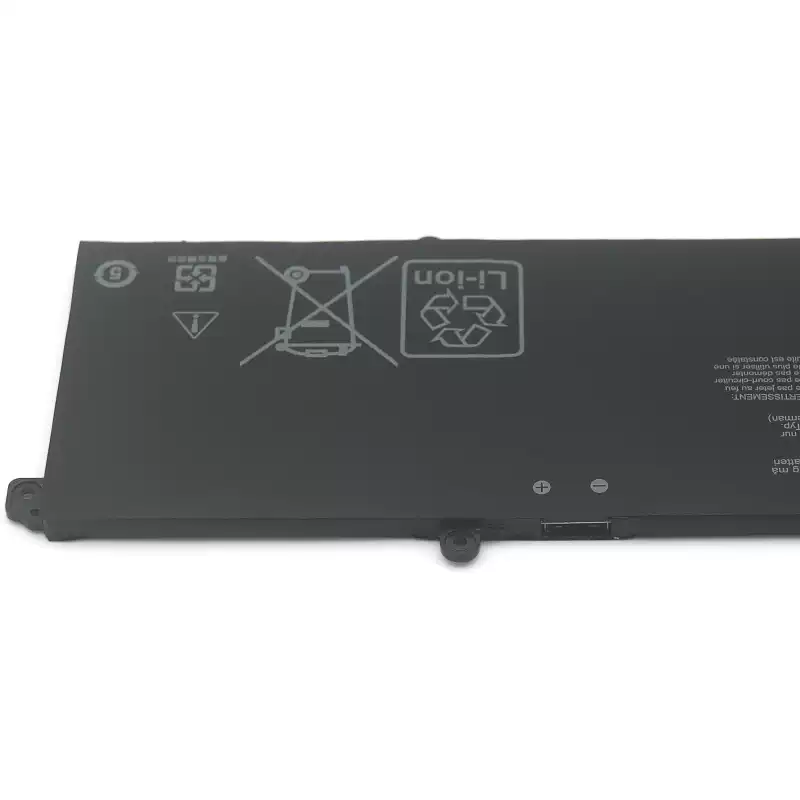
Laptop Lithium Battery C31N2105 for ASUS VivoBook 14X
Replace Part Numbers
C31N2105 0B200-04140000 3ICP6/70/81
( NOTE: NOT For C31N2105-1 )
Compatible Laptop Models
For Asus VivoBook 14X OLED X1403ZA Series
For Asus VivoBook 15X OLED X1503ZA Series
For Asus VivoBook 16X M1603QA Series C31N1905-1
For Asus VivoBook 16X OLED X1603ZA Series
For Asus VivoBook S 14 K3402ZA Series
For Asus VivoBook S 14X M3402QA S5402ZA Series
For Asus VivoBook S 15 K3502ZA Series
For Asus VivoBook S 15X M3502QA Series
For Asus VivoBook 15X M1503QA Series
For Asus VivoBook 15X M1503IA Series
For Asus VivoBook 15X OLED M1503QA Series
For Asus VivoBook 15X OLED X1503ZA X1503ZA-L1383X X1503ZA-L1418W Series
For Asus VivoBook S 16X M5602QA S5602ZA K6602HE M6500QF Series
For Asus VivoBook S 16X F1603ZA Series
For Asus VivoBook S 16X S1503QA S1503QA-L1158W S1503QA-L1252W Series:
For Asus VivoBook S 16X S3502ZA S3502ZA-L702WS Series
For Asus VivoBook S 16X S5402ZA Series
For Asus VivoBook S 16X UX3404VC UX3404VC-BB99T UX3404VC-M9194W Series:
For Asus VivoBook S 16X S5602ZA S5602ZA-DB51 S5602ZA-DB74 Series:
For Asus VivoBook 14X M1403QA Series
For Asus VivoBook Pro 15 OLED K6500ZE Series
For Asus VivoBook Pro 15 OLED K6502ZE Series
For Asus VivoBook Pro 15 OLED K6602HC Series
For Asus VivoBook S 14 Flip OLED TN3402 Series
For Asus VivoBook S 14 Flip OLED TN3402QA Series
For Asus VivoBook S 14 OLED K3402ZA Series
For Asus VivoBook S 14 OLED M3402RA Series
For Asus VivoBook S 14X OLED M5402RA Series
For Asus VivoBook S 14X S5402Z Series
For Asus VivoBook S 15 OLED K3502ZA Series
For ASUS Vivobook S 15 OLED M3502
Installation and usage instructions:
1. Before replacing the battery, be sure to turn off the power first and then remove the charger plug. Replacing the battery during the startup process may pose a safety hazard.
2.After removing the original battery, press the power button continuously for 10 seconds without releasing it. Release the remaining power and static electricity on the motherboard before replacing the new battery.
3. Before installing a new batter
y, confirm the positive and negative poles of the battery, especially the built-in battery, and be careful not to plug it in incorrectly.
Regarding Capacity:
Lithium batteries are consumables, and it is normal for their capacity to fluctuate by around+5% due to factors such as inventory time and usage environment.
| Battery Model | C31N2105 |
|---|---|
| Voltage | 11.61V? |
| Capacity | 70WH/6072mAh |
| Battery Type | Li-ion battery pack |
| Cell | Made in China, High quality battery cells |
| Color | Black |
| Condition | OEM Battery (100% New,1 years warranty!) |
Related products
-
ASUS Li Ion Battery Pack C31N1815 for Zenbook 13 UX333FA
Replacement for Part Number P/N c, 0B200-03150000, 3ICP5/70/81. Compatible Laptop Models: For ASUS Zenbook 13 UX333 UX333F UX333FN UX333FA Series For ASUS Zenbook 13 RX333FN RX333FA […]
-
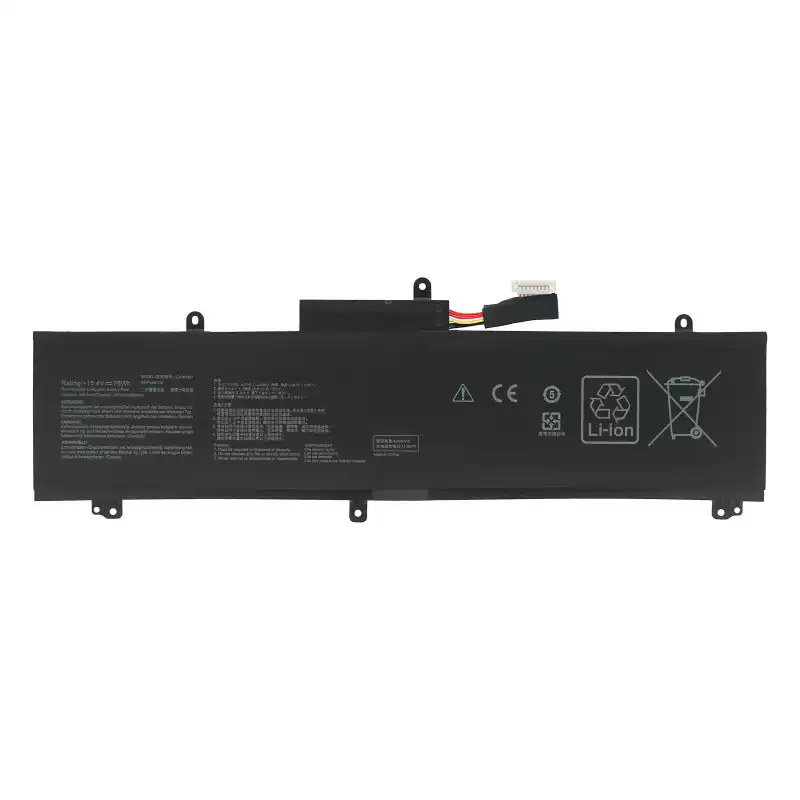
Laptop Lithium Battery C41N1837 for ASUS Zephyrus M GU502
Replace Part Number: C41N1837 0B200-03380100 Compatible Laptop Model: For ASUS ROG Zephyrus M GU502 GU502G GU502GW GU502GU GU502GV GU502DU GU502LV U502LW GU502LU Series For ASUS ROG […]
-
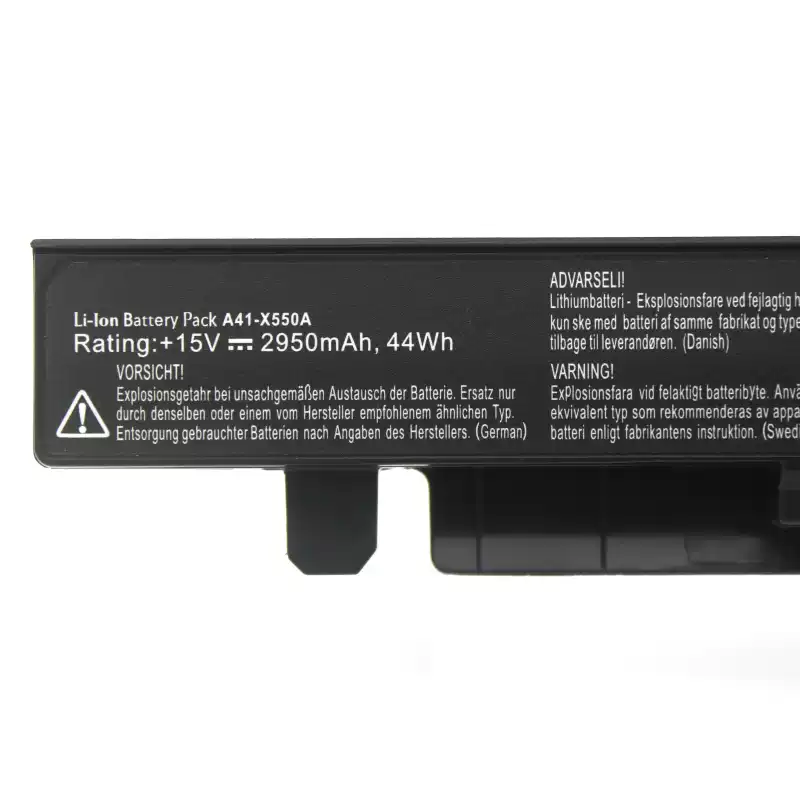
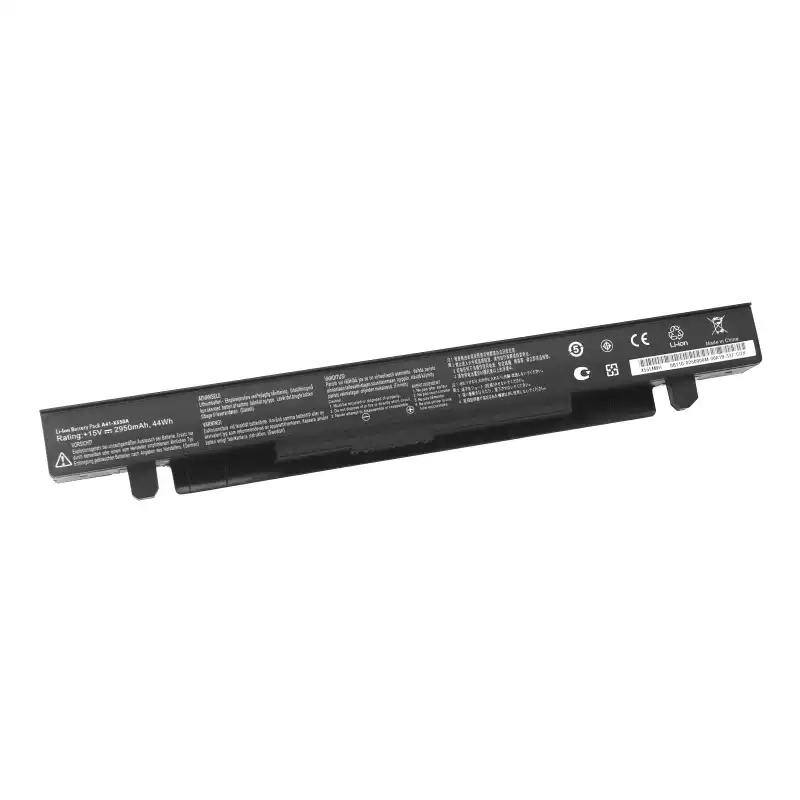
Laptop Lithium Battery A41-X550A for ASUS X550 Series
Laptop Battery Replacement Part Number: A41-X550A A41-X550 Compatible Laptop Models: For ASUS X550 Series X550C X550B X550V X550C Series X550CA X550CC X550CL X450 Series X450C X450CA […]



Reviews
There are no reviews yet.